Local AI mini PCs sound great for on-site tasks, offering portability and data privacy. However, their small size limits hardware like GPUs and cooling, which can bottleneck complex models or heavy workloads. Software compatibility and optimization are also challenges, especially for demanding AI tasks. Whether they’re right for you depends on your project’s complexity and how much you need to balance portability with power. Keep exploring to discover if these compact devices fit your specific AI needs.

Get business pricing on tech for your team
- Business-only prices and quantity discounts
- Tax-exempt purchasing
- Multiple users, one account, clear invoices
Key Takeaways
- Mini PCs offer portability and on-site AI processing but are limited by hardware constraints like GPU power and thermal management.
- Software optimization is crucial, as many AI frameworks aren’t fully tailored for compact, low-power devices.
- Their suitability depends on project complexity; they excel in simple tasks but struggle with intensive workloads.
- Reliance solely on local processing may cause latency issues, making hybrid cloud-local solutions more effective.
- The hype overlooks hardware and software limitations, emphasizing the need for realistic expectations and tailored solutions.
As an affiliate, we earn on qualifying purchases.
What Are Local AI Mini PCs and Why Are They Popular?
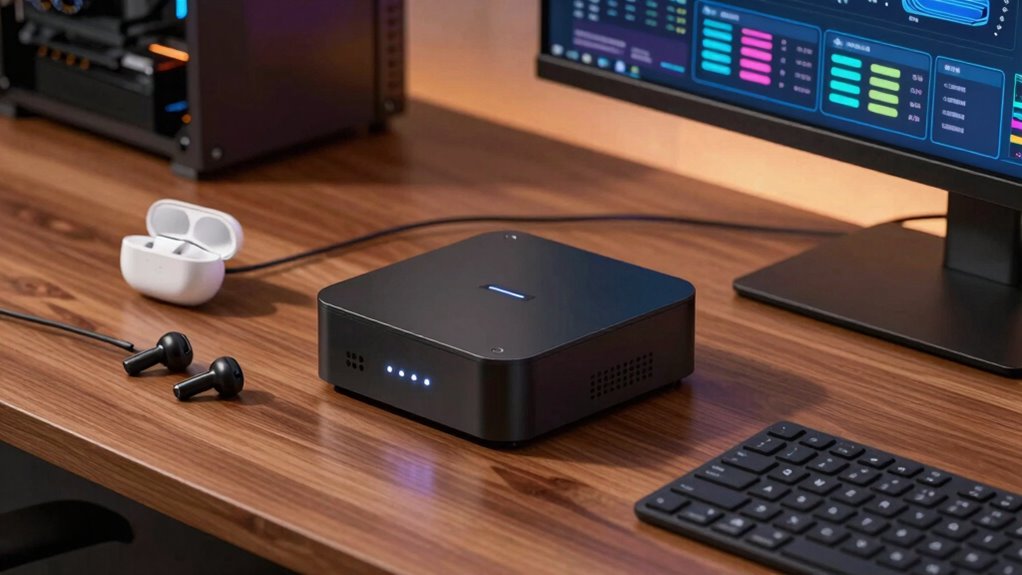
Local AI mini PCs are compact, powerful devices designed to run artificial intelligence tasks directly on your premises, rather than relying on cloud-based servers. They excel in hardware portability, allowing you to easily move and deploy them across different locations without hassle. These mini PCs are popular because they reduce dependency on cloud integration, providing faster processing and enhanced data privacy—since sensitive information stays local. Their small size doesn’t compromise performance, making them ideal for real-time AI applications like surveillance, robotics, or edge computing. Plus, their ability to operate independently of an internet connection adds reliability and security. Additionally, their adaptability enables users to customize and optimize AI workloads based on specific needs. Understanding the hardware specifications is crucial to maximize their potential and ensure they meet your specific application requirements. Recognizing the importance of local processing capabilities can help users fully leverage the benefits of these compact devices. As the AI hardware continues to evolve, these mini PCs are becoming increasingly powerful and versatile for diverse use cases. A thorough knowledge of performance optimization techniques is essential for extracting maximum efficiency from these devices.
compact edge AI computing device
As an affiliate, we earn on qualifying purchases.
As an affiliate, we earn on qualifying purchases.
What Hardware Limits Mini PCs for AI Tasks?
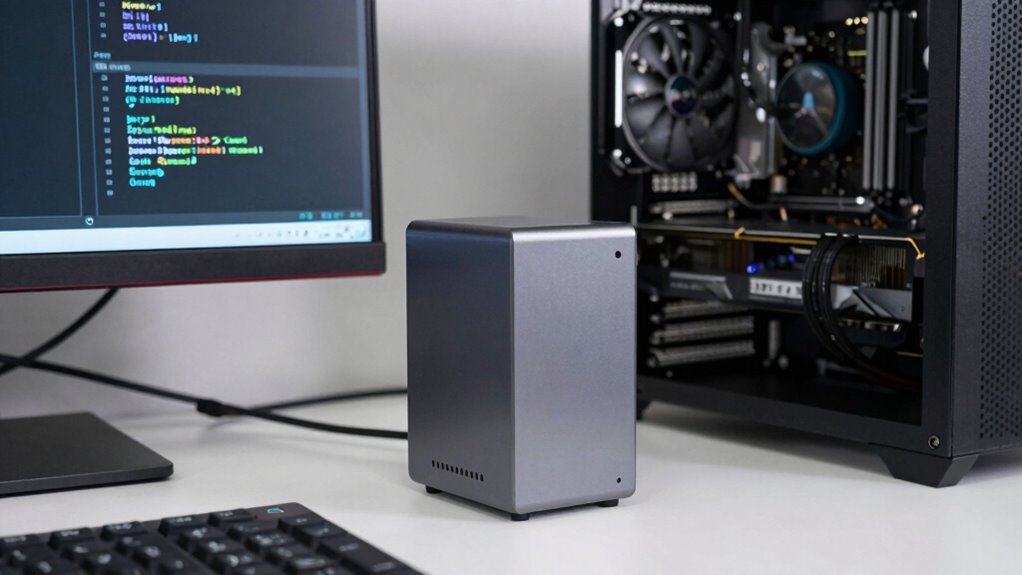
While mini PCs pack impressive power, their hardware still sets limits on what AI tasks they can handle. Their compact size restricts the high-performance components needed for demanding AI workloads, especially GPUs. Power consumption is another concern; mini PCs often use energy-efficient parts, limiting processing power and thermal headroom. Upgradeability is limited, making it hard to upgrade RAM, storage, or add powerful GPUs later. This means you might face bottlenecks with larger models or intensive training tasks. To better understand these constraints, consider this: a thermal management system is crucial to maintain performance during extended AI workloads, but mini PCs often have limited options in this area.
As an affiliate, we earn on qualifying purchases.
What Software Challenges Affect Mini PC AI Performance?
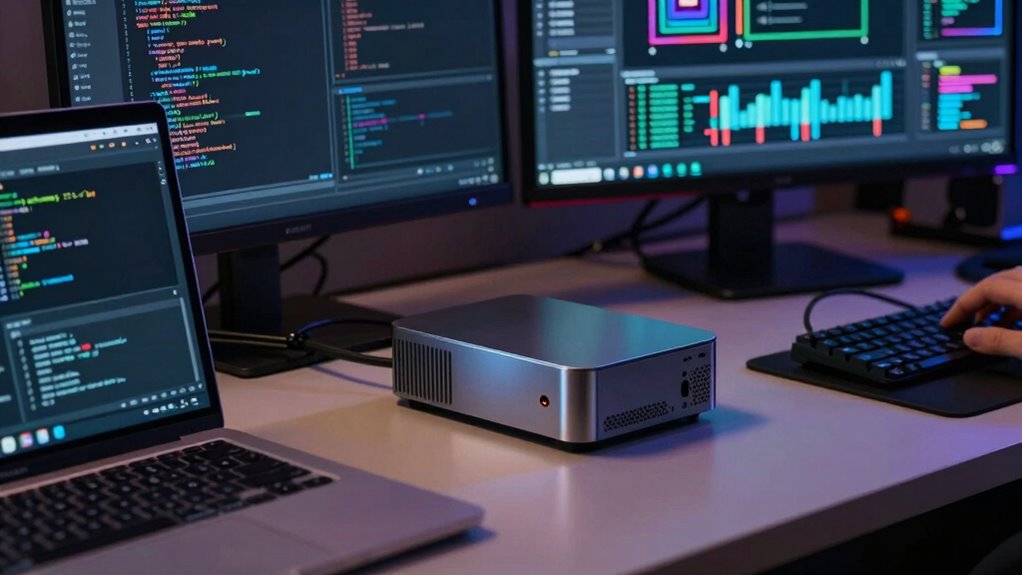
Software challenges can markedly impact the performance of AI on mini PCs, often more than hardware limitations alone. One key issue is optimizing AI models for edge computing, where processing must happen locally with limited resources. Many AI frameworks aren’t fully tailored for mini PC hardware, leading to slower inference times and reduced accuracy. Additionally, cloud integration can be a double-edged sword; relying heavily on cloud services introduces latency and dependency issues, especially if internet connectivity is unstable. Efficiently managing data flow between local processing and the cloud requires sophisticated software solutions. Furthermore, software updates and compatibility issues can pose hurdles, making it difficult to keep AI applications running smoothly on mini PCs without constant tweaking. Regional flavors and insights can also influence the types of AI applications that perform best, especially when considering localized data and language models. All these factors can hinder AI performance considerably.
As an affiliate, we earn on qualifying purchases.
Are Mini PCs Suitable for Your AI Projects?
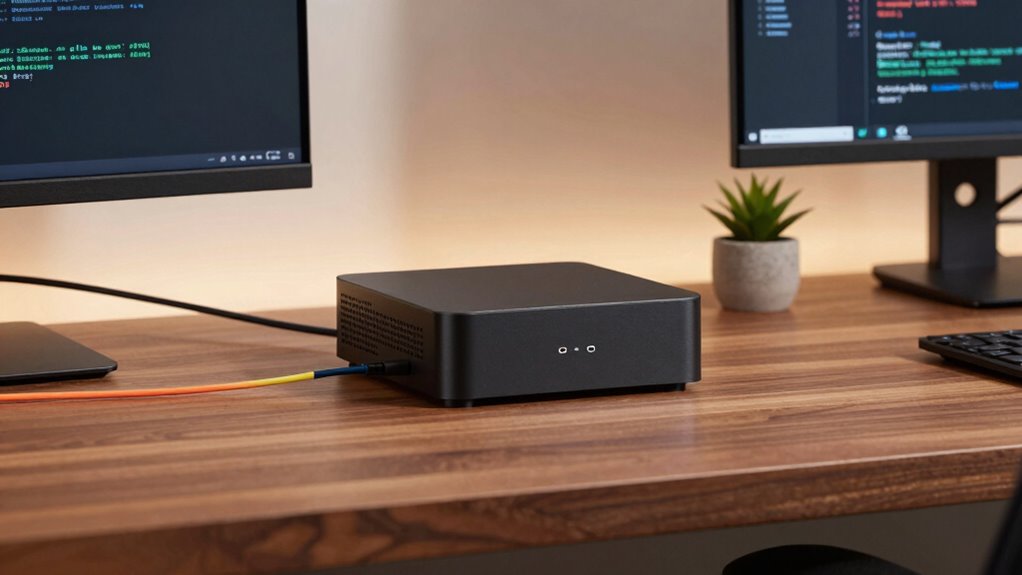
Deciding whether mini PCs are suitable for your AI projects depends on your specific needs and expectations. If your work benefits from hardware portability, a mini PC can be a practical choice, allowing you to run AI models on-site without heavy equipment. However, consider whether your project requires intensive processing power, as mini PCs often have limited hardware compared to larger setups. Cloud integration plays a vital role—if you can leverage cloud resources for heavy lifting, a mini PC can handle lightweight tasks locally and sync with cloud services for more demanding computations. This hybrid approach maximizes efficiency while maintaining portability. Additionally, understanding hardware limitations can help you set realistic expectations for your mini PC’s performance. Being aware of computational constraints is essential in planning your AI workflows effectively, especially when interpreting complex dream symbolism like clocks and time, which can serve as metaphors for processing speed and limitations. Recognizing the holistic approach to technology use can enhance your ability to balance local and cloud resources for optimal results. Furthermore, considering personality assessment tools may aid in optimizing your workflow by understanding your strengths and preferences in managing AI tasks.
How to Decide if a Mini PC Fits Your AI Needs
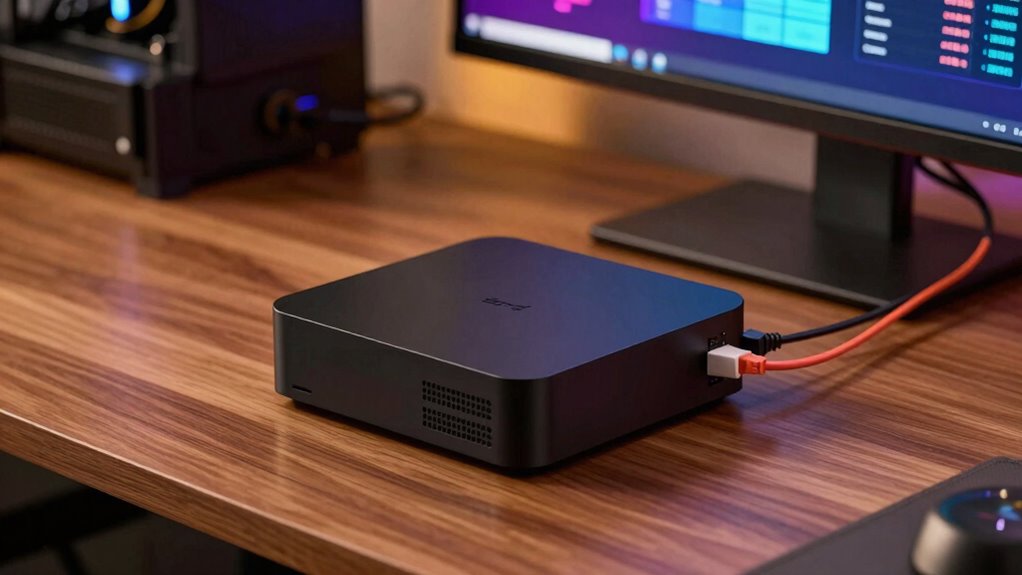
To determine if a mini PC suits your AI needs, start by evaluating the complexity and scale of your projects. If you require simple models or local data processing, a mini PC may work well. However, if your projects demand heavy computation or frequent updates, consider how cloud integration can complement the device’s capabilities. Also, examine the user interface—if you prefer a straightforward, intuitive setup for managing AI tasks, confirm the mini PC offers a user-friendly interface. Think about how much control you want locally versus via the cloud. Ultimately, matching your project’s demands with the mini PC’s hardware, software flexibility, and integration options will help you decide if it’s a good fit for your AI needs.
Frequently Asked Questions
Can Mini PCS Handle Real-Time AI Processing Effectively?
Yes, mini PCs can handle real-time AI processing, but their effectiveness depends on the AI hardware installed. While they offer portability and convenience, mini PC limitations like reduced processing power and limited cooling might hinder performance with demanding AI tasks. To get the best results, choose models with powerful GPUs and sufficient RAM, ensuring your AI hardware can manage real-time processing without bottlenecks.
What Are the Energy Consumption Implications of Using Mini PCS for AI?
Using mini PCs for AI can be quite power-efficient, but it’s important to take into account the energy impact. They generally consume less power than traditional desktops, which helps with power efficiency. However, if you run intensive AI tasks continuously, it may increase energy use over time. So, while mini PCs offer a good balance for local AI processing, monitoring energy impact guarantees you’re not unknowingly boosting your energy consumption.
How Do Mini PCS Compare to Cloud-Based AI Solutions?
You’ll find mini PCs excel in edge computing, offering low latency and data privacy compared to cloud-based AI solutions. They allow hardware customization, so you can optimize performance for specific tasks. However, they might lack the scalability and raw power of cloud services, which can handle larger datasets and complex models more efficiently. Ultimately, your choice depends on balancing local processing needs against the flexibility of cloud solutions.
Are Mini PCS Upgradeable for Future AI Advancements?
You can upgrade mini PCs for future AI advancements, but hardware limitations and software compatibility pose challenges. Only about 40% of mini PCs allow hardware upgrades like RAM or storage, limiting future-proofing. While some models support GPU upgrades, most are fixed, restricting performance improvements. To stay current, choose mini PCs with modular designs or prioritize models with better upgrade options, ensuring you can adapt as AI technology evolves.
What Security Concerns Exist With Local AI Mini PCS?
You should be aware that local AI mini PCs pose security concerns like data privacy and physical security risks. Since they process sensitive information locally, there’s a chance of data breaches if the device isn’t properly protected. Additionally, physical security is essential—if someone gains access to your mini PC, they could extract data or tamper with the hardware. Regular updates, strong passwords, and physical safeguards help mitigate these risks.
Conclusion
If you’re considering a mini PC for AI projects, weigh its hardware and software limits carefully. For instance, if you want to build a smart home assistant, a well-chosen mini PC like the NVIDIA Jetson Nano can handle it efficiently. But for more complex tasks, you might need a more powerful setup. Ultimately, understanding your project’s scope helps you decide whether a mini PC can meet your AI needs without disappointment.
Fall Picks
fall essentials
As an affiliate, we earn on qualifying purchases.