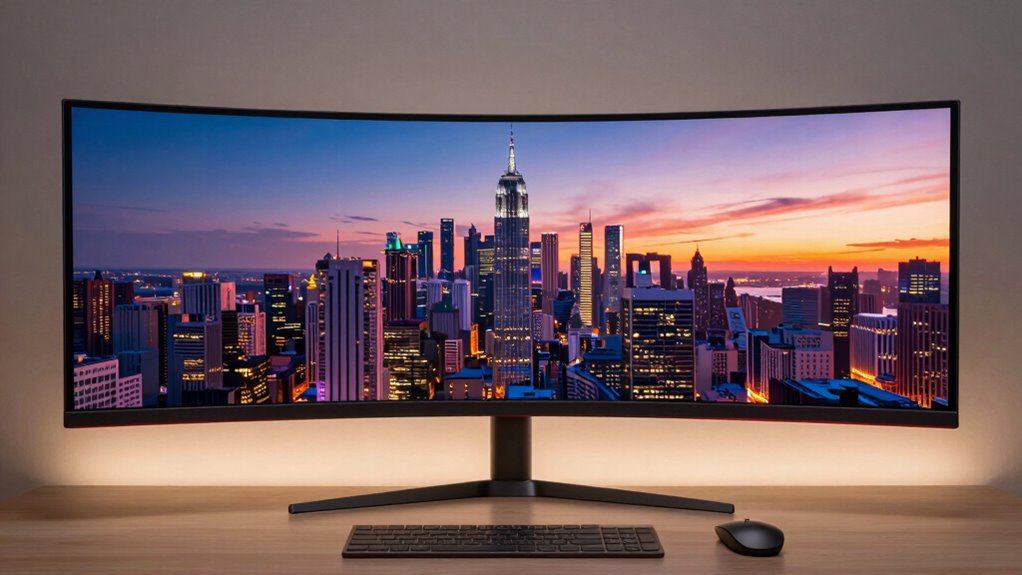
Many buyers believe ultrawide monitors automatically boost productivity and gaming, but this myth can lead you to overspend on features you don’t need. While they do offer more screen space, they often lack professional-level color accuracy and proper ergonomic adjustments, risking discomfort and distorted images. Before investing, understand these limitations and consider if a standard monitor could suit your needs better. Keep exploring to discover how to make smarter choices with your display setup.

Get business pricing on tech for your team
- Business-only prices and quantity discounts
- Tax-exempt purchasing
- Multiple users, one account, clear invoices
Key Takeaways
- Many ultrawide monitors are marketed as professional-grade but often lack true color accuracy needed for critical tasks.
- Marketing hype over immersive features can lead buyers to overspend on unnecessary or misrepresented benefits.
- Proper calibration and ergonomic setup are essential but often overlooked, reducing actual value.
- The perception that ultrawides always enhance productivity is false; they can cause discomfort and reduce efficiency if not properly configured.
- Standard monitors with accurate calibration may offer better cost-effectiveness and performance for specific professional uses.
Products Worth Considering

Samsung 27-Inch Odyssey QD-OLED G8 4K 240Hz Gaming Monitor

LG 34GX90SA-W 34-inch Ultragear WQHD OLED Curved Gaming Monitor

LG UltraGear 32GX850A-B 32-Inch 4K UHD Glossy OLED Gaming Monitor
As an affiliate, we earn on qualifying purchases.
Why the Ultrawide Monitor Myth Persists

Despite mounting evidence that ultrawide monitors may not deliver the expected benefits, the myth persists largely because of marketing hype and initial perceptions. Manufacturers emphasize features like wide screens and immersive experiences, often highlighting impressive color accuracy to attract buyers. However, many ultrawide models fall short of professional-grade color precision, leading to overestimations of their capabilities. Additionally, the ergonomic design of these monitors is sometimes overlooked; users assume that the expansive screen automatically offers better comfort. In reality, poor ergonomic adjustments can cause strain, negating any supposed productivity gains. Furthermore, content accuracy is often misrepresented by manufacturers to create the illusion of superior quality, which keeps the myth alive. The combination of sleek marketing, false promises about color fidelity, and assumptions about ergonomic superiority keeps the myth alive, convincing buyers they’re making a worthwhile investment even when the actual performance doesn’t meet expectations. Recognizing the importance of monitor calibration can help consumers make more informed decisions and avoid falling for these misconceptions. Proper monitor calibration techniques can significantly improve real-world display performance and user comfort, dispelling some of the false expectations. Learning about display uniformity can further help users understand the actual performance differences among ultrawide models, preventing misguided purchases. Knowing how to adjust display settings properly can further enhance the viewing experience and counteract misleading marketing claims.
Are Ultrawide Monitors Right for Your Needs?

Before deciding if an ultrawide monitor suits you, consider how well it fits your workspace and whether it can handle your gaming or multimedia needs. You’ll also want to weigh the cost against your budget to see if it’s a worthwhile investment. Understanding these points helps you determine if an ultrawide monitor aligns with your priorities. Additionally, think about how emerging future economies and potential shifts like Universal Basic Income (UBI) could influence your purchasing decisions over time. Recognizing the importance of smart design in creating adaptable and comfortable living or workspace environments can also help you make more informed choices about your tech investments.
Workspace Compatibility
Ultrawide monitors can considerably enhance your workspace, but whether they’re the right fit depends on your specific needs and setup. To determine compatibility:
- Check if your desk can support the monitor’s size and weight, ensuring enough space for comfortable viewing.
- Consider the monitor’s ergonomic design—adjustable height, tilt, and swivel—to prevent strain during long hours.
- Evaluate color calibration features, especially if accurate color is essential for your work, like design or editing.
- Additionally, essential DIY tools and safety tips can help you securely set up your workspace and avoid potential hazards when installing or adjusting large monitors. Proper setup can also enhance small-space interior design by optimizing your available area and ensuring functional aesthetics. Taking into account space management strategies can further help you make the most of limited room while maintaining an organized and efficient workspace.
If your workspace allows for a large monitor and you prioritize ergonomic comfort and color accuracy, an ultrawide could boost productivity. However, if space is limited or your tasks don’t benefit from extra screen real estate, a smaller or traditional monitor might suit your needs better.
Gaming and Multimedia Use
If you’re into gaming or multimedia, an ultrawide monitor can substantially enhance your experience by providing a more immersive and expansive view. The wider screen allows you to see more of the game environment or video scene at once, boosting immersion. Good color calibration is crucial to guarantee vivid, accurate visuals, especially for multimedia editing or watching films. However, sound quality might be a concern; many ultrawide monitors lack built-in speakers or have subpar audio. You’ll likely need external speakers or headphones to get ideal sound. Consider whether your gaming or multimedia setup supports the monitor’s capabilities. While ultrawides excel in immersion, check if their color calibration and sound quality meet your standards before making a purchase.
Budget and Cost Factors
Budget constraints play a significant role in determining whether an ultrawide monitor is a practical choice for your setup. Ultrawide models often come with higher price tags, so it’s crucial to evaluate your needs carefully. Consider these factors:
- Color calibration: If you need accurate colors for creative work, investing in a monitor with good calibration might stretch your budget.
- Refresh rate: Gamers should prioritize higher refresh rates, but these models are typically more expensive.
- Overall costs: Beyond the initial purchase, factor in potential costs for accessories, calibration tools, or upgrades to match your display’s capabilities.
Assess whether your tasks truly benefit from ultrawide features or if a standard monitor offers better value for your money.
Key Benefits of Ultrawide Monitors for Productivity and Gaming
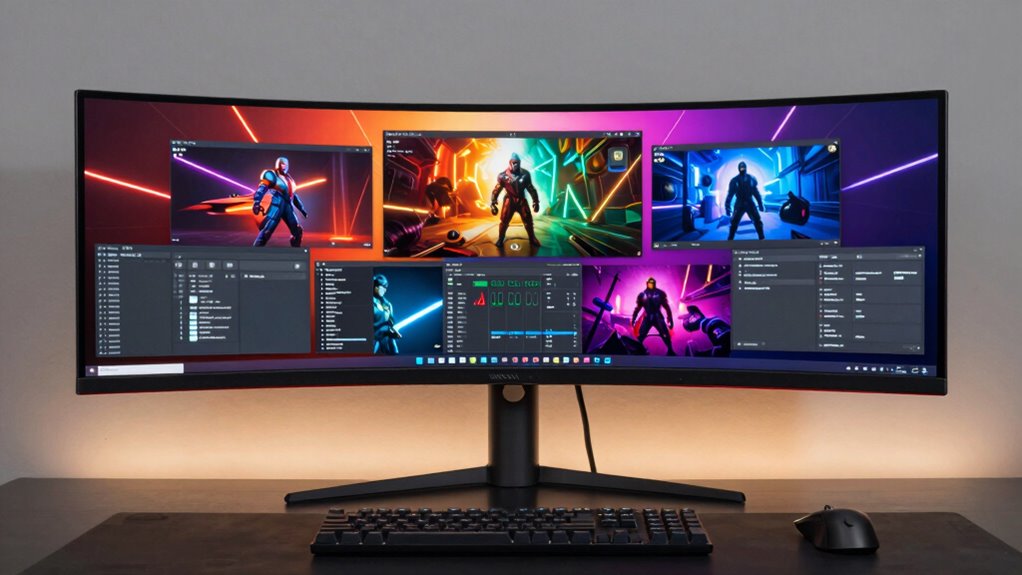
Ultrawide monitors boost your productivity by allowing you to manage multiple tasks without switching screens constantly. For gamers, the expansive display creates a fully immersive experience that pulls you into the action. Plus, the larger workspace helps you stay organized and efficient, whether you’re working or gaming. Additionally, their increased screen real estate can help reduce eye strain by minimizing the need for frequent window switching. Recognizing the importance of contrast ratio in image quality, some ultrawide monitors offer impressive dynamic contrast, further enhancing visual clarity during intense gaming sessions. Incorporating multi-unit setups can further enhance your yard care efficiency, especially when managing multiple robot mowers simultaneously. Moreover, understanding inclusive casting and diverse design options can make your workspace more comfortable and visually appealing.
Enhanced Multitasking Capabilities
Enhanced multitasking is one of the standout advantages of ultrawide monitors, allowing you to effortlessly manage multiple applications side by side without constantly switching windows. With a wider screen, you can:
- Seamlessly compare documents or spreadsheets, boosting productivity.
- Use split-screen features to keep communication apps, like chat or email, open alongside your main tasks.
- Enjoy smooth visuals, thanks to high refresh rates, which reduce lag during multitasking or gaming.
Additionally, accurate color calibration guarantees that visuals stay vibrant and consistent across all applications. This consistency reduces eye strain and improves clarity, making long work or gaming sessions more comfortable. The combination of these features enhances your ability to multitask efficiently without sacrificing visual quality or responsiveness.
Immersive Gaming Experience
While many focus on the productivity perks, ultrawide monitors also deliver an exceptionally immersive gaming experience that can transform how you play. The expansive screen real estate pulls you into the game world, making every scene feel more vivid and engaging. With excellent color calibration, you’ll enjoy richer, more accurate visuals, which heighten immersion and detail. Additionally, the ergonomic design of many ultrawide monitors ensures you remain comfortable during extended gaming sessions, reducing strain on your neck and eyes. This combination of vibrant visuals and ergonomic features enhances your overall gaming experience, allowing you to lose yourself in the game without discomfort. Ultrawide monitors don’t just boost productivity—they elevate your gaming to a more immersive, mesmerizing level. Proper ergonomics also plays a crucial role in maintaining comfort and well-being during long gaming sessions. Furthermore, visual quality is a key factor that contributes to a truly immersive experience, making ultrawide screens a popular choice among gamers and professionals alike. Investing in a monitor with high-quality displays can significantly improve your overall gaming and work experience, ensuring clarity and color accuracy across all tasks. Additionally, the display technology used in these monitors often includes features that reduce motion blur and enhance image sharpness, further amplifying immersion. A focus on positive thoughts and intentions can also help optimize your gaming mindset and overall experience.
Increased Workspace Efficiency
By providing a wider screen space, ultrawide monitors allow you to organize multiple applications and windows side by side without constantly switching or resizing them. This boosts your workspace efficiency by reducing interruptions and streamlining tasks.
- You can easily view multiple documents or spreadsheets simultaneously, improving multitasking.
- Proper color calibration ensures visuals stay vivid and accurate, which is essential for color-sensitive work.
- An ergonomic setup minimizes strain, helping you stay comfortable during long hours at your desk.
- Additionally, many ultrawide monitors feature tech and smart home basics that enhance your overall workstation setup. Investing in a monitor with astrological compatibility can also be considered by some to align with personal productivity preferences.
With these benefits, ultrawide monitors help you work more efficiently, whether you’re managing projects or editing content. The increased screen real estate simplifies your workflow and enhances productivity, making it a valuable investment.
Avoid These Costly Mistakes When Buying an Ultrawide

Buying an ultrawide monitor can be exciting, but skipping careful research can lead to costly mistakes. One common error is neglecting proper color calibration, which affects image quality and can make your work or entertainment less enjoyable. Always check if the monitor offers factory calibration or easy calibration options. Another mistake is overlooking ergonomic design; an ultrawide screen should have adjustable height, tilt, and swivel to prevent discomfort during long use. Poor ergonomics can lead to strain or pain, reducing productivity and comfort. Before purchasing, test how well the monitor adapts to your workspace and verify it supports your viewing preferences. Additionally, understanding indoor plant care can improve your environment and overall well-being. Being aware of cost-effective maintenance tips can help prolong the lifespan of your monitor and save you money in the long run. Incorporating proper setup techniques can further enhance your viewing experience and prevent future issues. Regularly checking for body piercing signs of irritation or infection can also contribute to a healthier workspace and personal well-being. Avoid these pitfalls, and you’ll make a smarter investment that enhances your experience without unnecessary expenses.
How to Decide if an Ultrawide Monitor Is Worth Your Investment
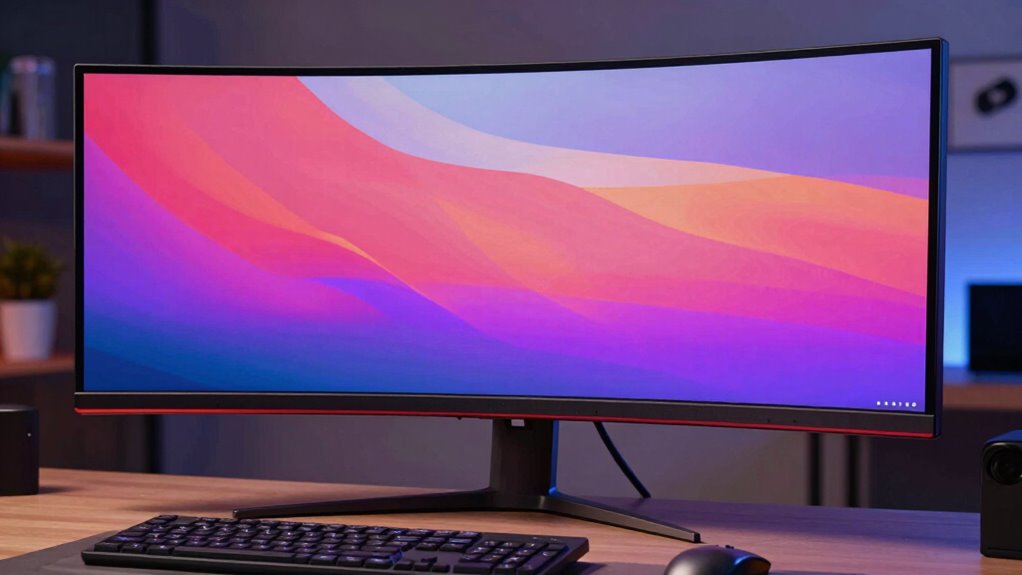
Deciding if an ultrawide monitor is worth your investment requires evaluating how well it matches your specific needs and workflow. First, consider whether the monitor offers good color calibration for accurate visuals, especially if you work with photos or design. Second, check the refresh rate—a higher rate ensures smoother motion, which matters for gaming or video editing. Third, assess if the extra screen real estate enhances your productivity without overwhelming your workspace. If these factors align with your tasks, an ultrawide monitor could be a smart investment. However, if color accuracy or refresh rate falls short, you might end up sacrificing quality for size. Ultimately, your decision should hinge on how well the monitor supports your workflow and whether it offers a tangible benefit over standard screens.
When a Standard Monitor Might Be the Smarter Choice

While ultrawide monitors offer impressive screen space, there are situations where sticking with a standard monitor makes more sense. If your work requires precise color calibration—like photo editing or video production—a standard monitor with accurate color reproduction can be more reliable. Panel technology also matters; IPS panels typically provide better color accuracy and viewing angles than VA or TN panels, which might be common in ultrawides. Additionally, standard monitors are often more affordable and easier to calibrate. If you don’t need extensive horizontal space or are concerned about color fidelity, a traditional monitor can deliver excellent performance without the extra cost or complexity of an ultrawide. For specialized tasks, a standard monitor might just be the smarter, more practical choice.
Why More Screen Space Isn’t Always Better
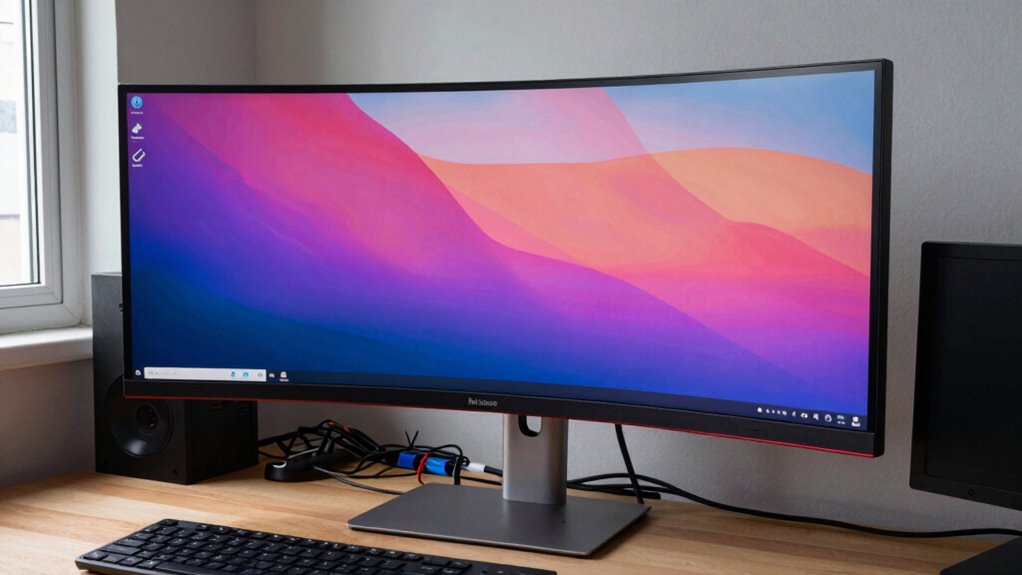
Having more screen space might seem like an obvious advantage, but it can also lead to drawbacks that impact your workflow and comfort. Larger displays often require better color calibration to guarantee accurate visuals, especially for creative tasks. Without proper calibration, colors may appear washed out or distorted, affecting your work quality. Additionally, an expansive screen can strain your neck and eyes if the ergonomic design isn’t ideal, causing discomfort over time.
Consider these factors:
- Poor color calibration can reduce accuracy and cause eye fatigue.
- An unadjusted monitor’s ergonomic flaws may lead to discomfort or injury.
- Too much screen space can be overwhelming, making multitasking inefficient.
More isn’t always better—balance size with calibration and ergonomic setup.
Tips for Choosing an Ultrawide Monitor on Any Budget
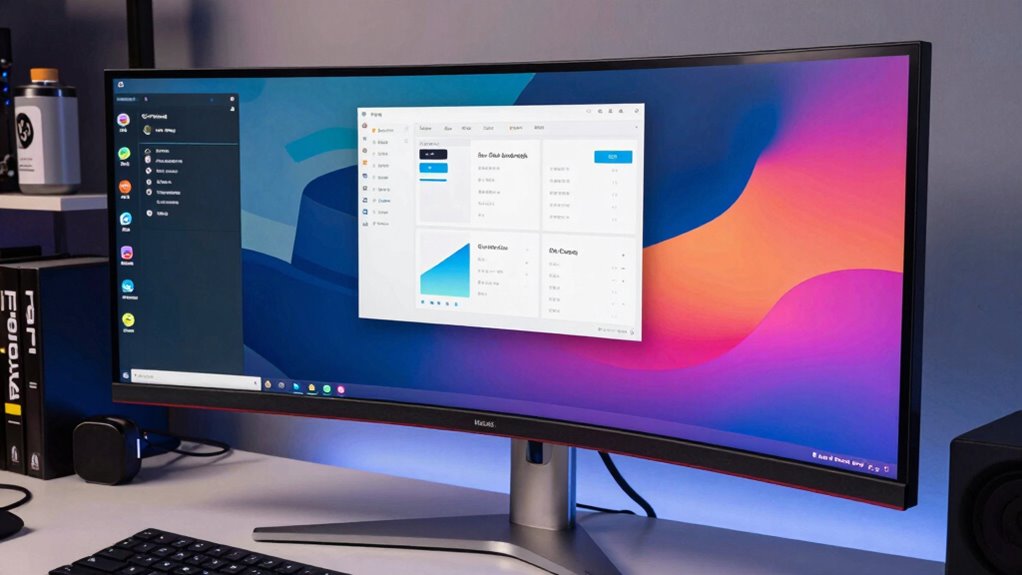
Choosing an ultrawide monitor doesn’t have to break the bank; with a clear understanding of your needs and budget, you can find a model that offers great value. Focus on essential features like color calibration to guarantee accurate color reproduction, especially if you do creative work. A good refresh rate is also important if you plan to gaming or need smooth visuals. You don’t need the highest-end specs to enjoy an ultrawide experience; many budget options provide decent color accuracy and refresh rates. Research models that balance affordability with quality, and read reviews to confirm performance. Prioritize your primary use—whether work, gaming, or multimedia—and select a monitor that meets those needs without overspending. This approach helps you avoid unnecessary costs while still enjoying the benefits of an ultrawide display.
What to Expect When You Switch to an Ultrawide Display
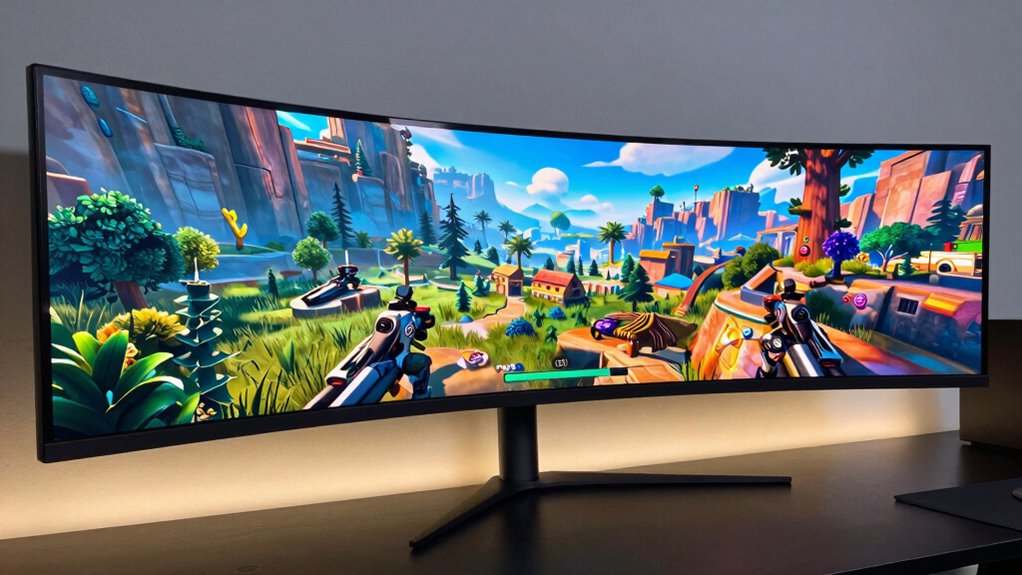
Switching to an ultrawide display can considerably change how you work and play, offering a more immersive experience. Expect your workflow to improve with increased screen real estate, but also prepare for some adjustments.
Switching to an ultrawide display enhances immersion and productivity, but requires adjustments for optimal comfort and compatibility.
- You’ll need to prioritize color accuracy for tasks like photo editing or design, as ultrawides often vary in color reproduction.
- An ergonomic setup becomes essential; you’ll want adjustable stands and proper positioning to avoid neck or eye strain.
- Be aware that some applications may not fully utilize the extra width, but most modern software adapts well, enhancing multitasking and entertainment.
Frequently Asked Questions
Can Ultrawide Monitors Improve Multitasking Efficiency Significantly?
Yes, ultrawide monitors can improve your multitasking efficiency considerably. Their wide screens and screen curvature allow you to view multiple windows simultaneously without switching between tabs, saving you time. Plus, many ultrawides offer excellent color accuracy, making it easier to work on detailed tasks. The curved design reduces glare and eye strain, providing a more immersive experience. Overall, they streamline your workflow and boost productivity.
Are Ultrawide Monitors Compatible With All Gaming Setups?
You can definitely make ultrawide monitors work with most gaming setups, but don’t just jump in blindly. Compatibility depends on your graphics card’s support for wide resolutions, color accuracy, and power consumption. Some setups may need adjustments or upgrades to handle the extra screen real estate smoothly. Keep in mind, ultrawides may draw more power and require specific cables, so check your system specs before investing.
What Are the Long-Term Maintenance Costs of Ultrawide Monitors?
Long-term maintenance costs for ultrawide monitors are usually minimal but worth considering. You might spend on display calibration to keep colors accurate over time, especially if you notice color shifts. Power consumption is typically higher than standard monitors, leading to increased electricity bills. Regular cleaning and occasional software updates help maintain performance, but overall, these costs are manageable and shouldn’t be a significant burden in your long-term setup.
Do Ultrawide Monitors Require Special Graphics Cards?
Yes, ultrawide monitors often require compatible graphics cards, especially for high display resolutions. You need a graphics card that can handle the wide aspect ratio and deliver smooth performance without lag. Check the graphics card compatibility with your monitor’s resolution requirements; otherwise, you might face issues like stuttering or limited display quality. Investing in a suitable GPU guarantees you get the most out of your ultrawide experience.
How Do Ultrawide Monitors Affect Desk Space and Ergonomics?
Imagine your desk sprawling with an ultrawide monitor stretching wide like a panoramic window. While it offers immersive views, it can increase desk clutter and challenge your ergonomic setup. You might find yourself leaning forward or adjusting your chair constantly, risking ergonomic strain. To keep your workspace comfortable, make sure your monitor is at eye level and leaves enough room for other essentials, preventing clutter and minimizing discomfort.
Conclusion
So, next time you’re tempted by an ultrawide, remember the myth that more screen space always equals better. It’s ironic how chasing the biggest, broadest display can actually cost you more in the long run—both financially and in frustration. Sometimes, sticking with a standard monitor might be smarter. After all, more isn’t always merrier, especially if you end up regretting that costly purchase. Choose wisely, and enjoy your screen space—without the myth’s trap.