
TL;DR

Get business pricing on tech for your team
- Business-only prices and quantity discounts
- Tax-exempt purchasing
- Multiple users, one account, clear invoices
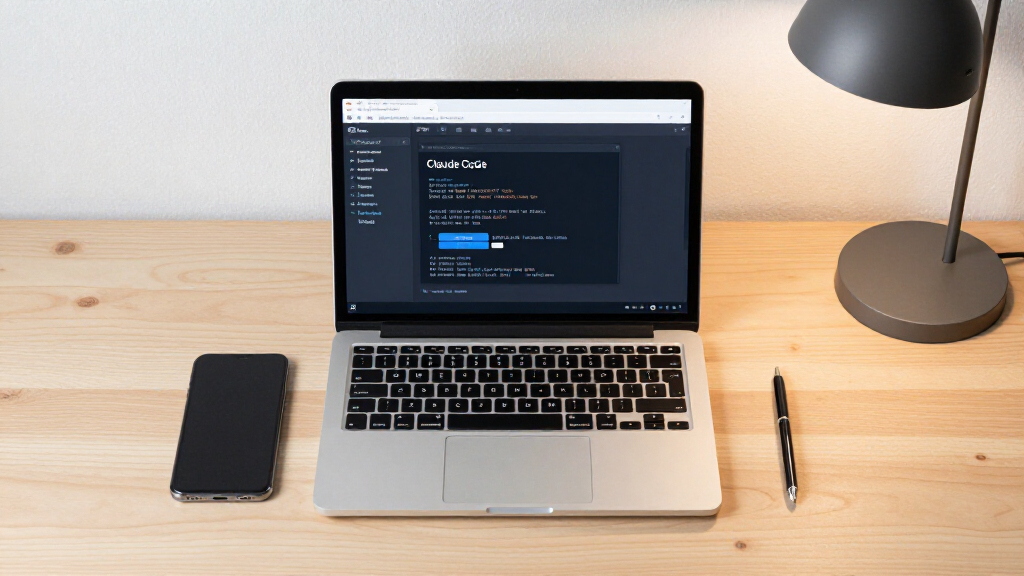
Claude Code has officially switched to auto mode as the default setting, aiming to improve usability and automation. The change is confirmed by the company and is now live for all users. For more on how Claude Code is evolving, see Message Your Other Claude Code Sessions.
Claude AI has made auto mode the default setting in its coding assistant platform, Claude Code, effective immediately. This change impacts how users interact with the platform and aims to enhance automation capabilities, according to official statements from Claude AI.
According to Claude AI, the switch to auto mode as the default was implemented to simplify the user experience and promote more automated coding workflows. Prior to this update, users could manually enable or disable auto mode, but now, all users will start with auto mode active upon launching Claude Code.
Official spokespersons from Claude AI confirmed that this change is part of their broader effort to streamline AI-assisted coding and improve productivity. The company emphasized that users retain the ability to disable auto mode if they prefer manual control, but auto mode will now be the initial setting for all new sessions.
Implications for Developer Workflow Efficiency
This development could significantly influence how developers and teams utilize Claude Code, potentially increasing automation and reducing manual intervention. By making auto mode the default, Claude AI aims to facilitate faster coding cycles and more seamless integration of AI suggestions into workflows.
However, some users have expressed concerns about losing immediate manual control, which could impact certain workflows. The change underscores a shift towards more autonomous AI assistance, which may alter user interaction patterns and productivity metrics.
As an affiliate, we earn on qualifying purchases.
Background on Claude Code and Auto Mode Settings
Claude Code, developed by Claude AI, is an AI-powered coding assistant designed to support developers with code generation, debugging, and automation. Prior to this update, users had to manually enable auto mode, which allows the AI to proactively suggest and implement code snippets without constant user prompts.
The move to make auto mode the default aligns with broader industry trends toward increased automation in software development, aiming to reduce friction and accelerate project timelines. The change was announced internally in early March 2024 and is now publicly implemented.
As an affiliate, we earn on qualifying purchases.
Remaining Questions About User Control and Customization
It is not yet clear how extensively users will adapt to the automatic default setting, or if there will be significant pushback from certain developer segments. Details about how the change impacts existing workflows and whether additional customization options will be introduced are still emerging.
Furthermore, it remains uncertain how this change will influence overall platform adoption and user satisfaction over the coming months.
As an affiliate, we earn on qualifying purchases.
Next Steps for User Feedback and Platform Updates
Claude AI is expected to monitor user feedback closely and may introduce further customization options or settings adjustments based on community responses. The company also plans to provide updated documentation and tutorials to help users adapt to the new default auto mode.
In the coming weeks, updates or refinements to auto mode behavior could be announced, depending on how users respond to the change and how it impacts productivity metrics.
As an affiliate, we earn on qualifying purchases.
Key Questions
Can users disable auto mode in Claude Code?
Yes, users can disable auto mode if they prefer manual control, as confirmed by Claude AI representatives.
Why did Claude AI make auto mode the default?
The company stated that the change aims to simplify workflows and promote more automation, ultimately increasing productivity for developers.
Will there be additional customization options for auto mode?
It is not yet confirmed, but Claude AI has indicated plans to gather user feedback and potentially introduce more customization features in future updates.
How might this change affect existing workflows?
While some users may experience increased automation, others might need to adjust their workflows or preferences to accommodate the new default setting. The full impact is still being assessed.
Source: hn
Fall Picks
fall essentials
As an affiliate, we earn on qualifying purchases.